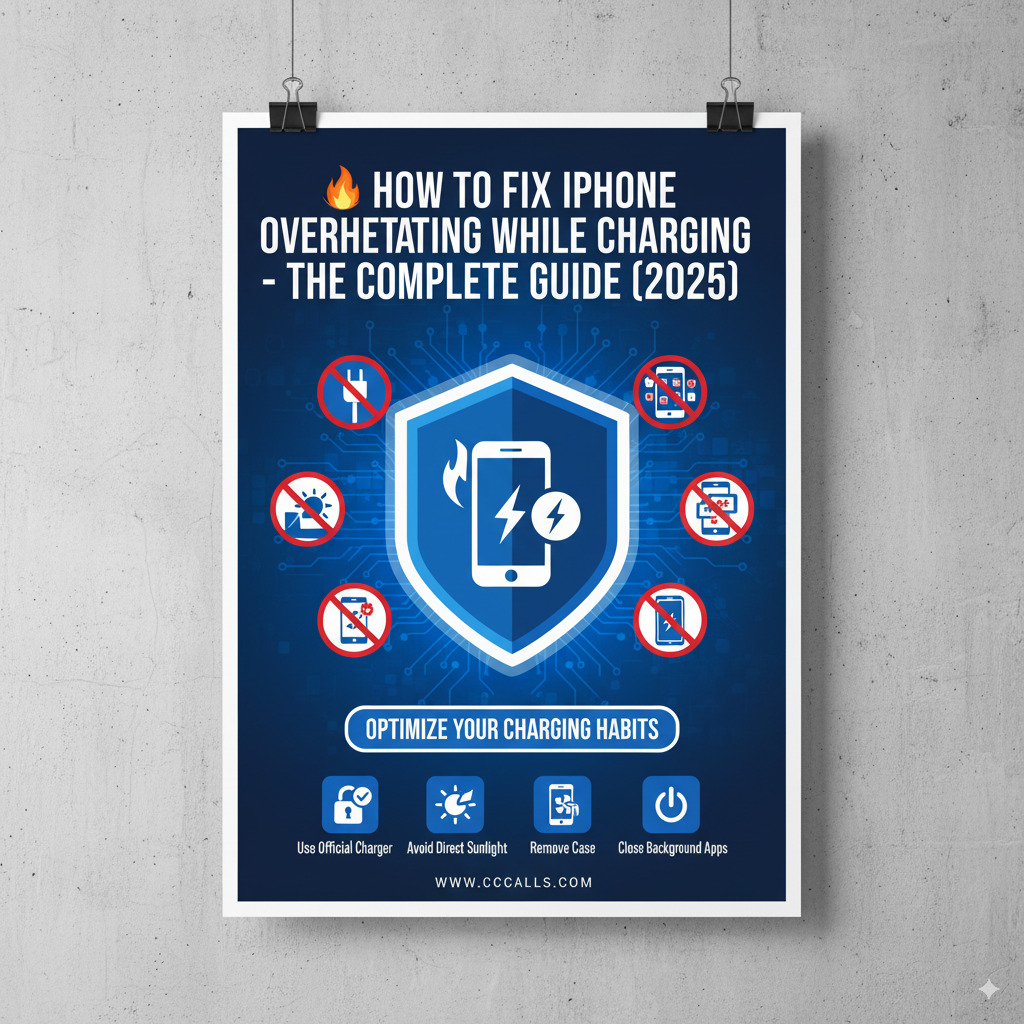
iPhones are known for their sleek design, high performance, and reliability—but even the best devices can run into issues. One of the most common complaints users report is iPhone overheating during charging.
Overheating not only makes the device uncomfortable to use but can also damage the battery, reduce performance, and even shorten the iPhone’s lifespan.
In this ultimate guide, you’ll learn:
- Why your iPhone overheats while charging
- How to prevent it
- Step-by-step fixes
- When to worry (and when not to)
- Safe charging practices to prolong battery life
🔍 Why Does Your iPhone Overheat While Charging?
1. Fast Charging Generates Heat
Apple’s fast-charging feature (using a 20W+ adapter) can cause noticeable heat, especially if you’re:
- Using your phone during charging (gaming or streaming)
- Charging from 0% to 100% quickly
2. Using Your iPhone While Charging
Multitasking during charging (like watching YouTube, gaming, FaceTime, or navigating via GPS) draws power and generates heat, stressing both the battery and processor.
3. Faulty Charging Accessories
Using non-certified or cheap chargers and cables can:
- Over-deliver or under-deliver power
- Cause poor power regulation
- Lead to overheating or even device damage
4. Environmental Conditions
Charging your iPhone in hot environments (e.g., in direct sunlight, near stoves or radiators, or inside cars) increases the risk of overheating.
5. Background App Activity
Some apps run in the background and consume power even when you’re not using them. Examples include:
- Social media apps
- Location-based services
- Background refresh for news, weather, and mail
6. Software Bugs or Outdated iOS
Outdated software may cause:
- Poor battery management
- Apps that constantly run background processes
- CPU stress during charging
⚠️ When Is iPhone Overheating a Real Problem?
Occasional warmth while charging is normal. However, take action if:
- Your iPhone displays a temperature warning:
“iPhone needs to cool down before you can use it.” - The back of the phone becomes uncomfortably hot
- It stops charging or shuts down
- Battery drains rapidly even while plugged in
- The device slows down during charging
✅ How to Fix iPhone Overheating While Charging
1. Use MFi-Certified Chargers Only
Always use:
- An Apple-certified USB-C to Lightning cable
- A 20W Apple adapter (or reputable brand like Anker, Belkin)
Avoid:
- Gas station cables
- Fake “Apple” chargers from online marketplaces
👉 Look for the “Made for iPhone” (MFi) logo.
2. Stop Using the Phone While Charging
Let your iPhone rest while it charges. This reduces CPU and battery load.
If you must use it:
- Lower screen brightness
- Close apps in the background
- Avoid gaming or video streaming
3. Remove Your Phone Case
Some cases, especially thick or rugged ones, trap heat.
Try:
- Removing the case while charging
- Switching to a ventilated or heat-dissipating case
4. Charge in a Cool Environment
Avoid hot surfaces, sunny windows, or leaving the iPhone in a car.
Ideal room temperature for charging:
🌡️ 0°C to 35°C (32°F to 95°F)
5. Turn On Low Power Mode
Go to Settings > Battery > Low Power Mode.
This reduces background activity, disables visual effects, and limits performance to reduce heat.
6. Close Background Apps
Manually close apps you’re not using:
- Swipe up from the bottom (on Face ID iPhones) and swipe apps up to close them
Or disable Background App Refresh:
Settings > General > Background App Refresh > Off
7. Update to the Latest iOS
Outdated software can contain bugs that lead to overheating.
Check for updates:
Settings > General > Software Update
8. Disable Location Services (Temporarily)
Location tracking can heat up the phone while charging.
Turn it off:
Settings > Privacy & Security > Location Services > Off
Or selectively disable for apps you don’t need location access.
9. Check Battery Health
Go to:
Settings > Battery > Battery Health & Charging
Look for:
- Maximum Capacity: below 80% = aging battery
- Optimized Battery Charging: should be ON
If the battery is degraded, you may need a replacement.
10. Reset Settings (If All Else Fails)
This won’t delete your data but resets system settings:
Settings > General > Transfer or Reset iPhone > Reset > Reset All Settings
This can fix software bugs causing excessive CPU/battery usage.
💡 Pro Tips to Prevent Future Overheating
✅ Enable “Optimized Battery Charging”
iOS learns your charging habits and slows charging past 80% until you need it.
Helps reduce heat and battery wear.
Settings > Battery > Battery Health & Charging > Optimized Battery Charging (ON)
✅ Use MagSafe or Wireless Charging Wisely
While convenient, wireless charging creates more heat.
Avoid using it in hot environments or while using the phone heavily.
✅ Don’t Charge Overnight on Soft Surfaces
Charging on beds, sofas, or blankets traps heat and slows air circulation.
Place your phone on:
- A flat, hard surface (like a desk or nightstand)
- A metal or ceramic plate that helps dissipate heat
📉 What Happens If You Ignore iPhone Overheating?
Over time, frequent overheating can:
- Permanently damage your battery
- Slow down your iPhone (iOS reduces performance to prevent heat damage)
- Cause unexpected shutdowns
- Void AppleCare+ if damage is caused by third-party accessories
📱 What Apple Says About iPhone Heat
Apple states:
“It’s normal for your device to get warm when you set it up, restore from a backup, or wirelessly charge it.”
But:
- Persistent high temperatures should be addressed
- Avoid charging in direct sunlight or hot environments
Official Apple Support: If your iPhone or iPad gets too hot or too cold
🛠 When to Contact Apple Support
If none of the above works and your iPhone:
- Consistently overheats even when idle
- Shuts down randomly during charging
- Feels abnormally hot even with Apple-certified gear
👉 Contact Apple Support or visit the Apple Store
They can run diagnostics and offer battery replacements or repairs.
🧠 Summary – Fixing iPhone Overheating While Charging
| Action | Impact |
|---|---|
| Use original chargers | ✅ Huge |
| Don’t use while charging | ✅ Major |
| Remove thick phone cases | ✅ Helpful |
| Charge in cool environment | ✅ Major |
| Enable Low Power Mode | ✅ Helpful |
| Update iOS | ✅ Essential |
| Disable background refresh | ✅ Moderate |
| Avoid fast charging constantly | ✅ Preventive |
| Monitor battery health | ✅ Ongoing |
🚀 Final Thoughts
A warm iPhone while charging is usually not a big deal, but if your device becomes hot to the touch, it’s time to take it seriously. By following the fixes and best practices above, you can protect your battery, improve device performance, and extend your iPhone’s life.