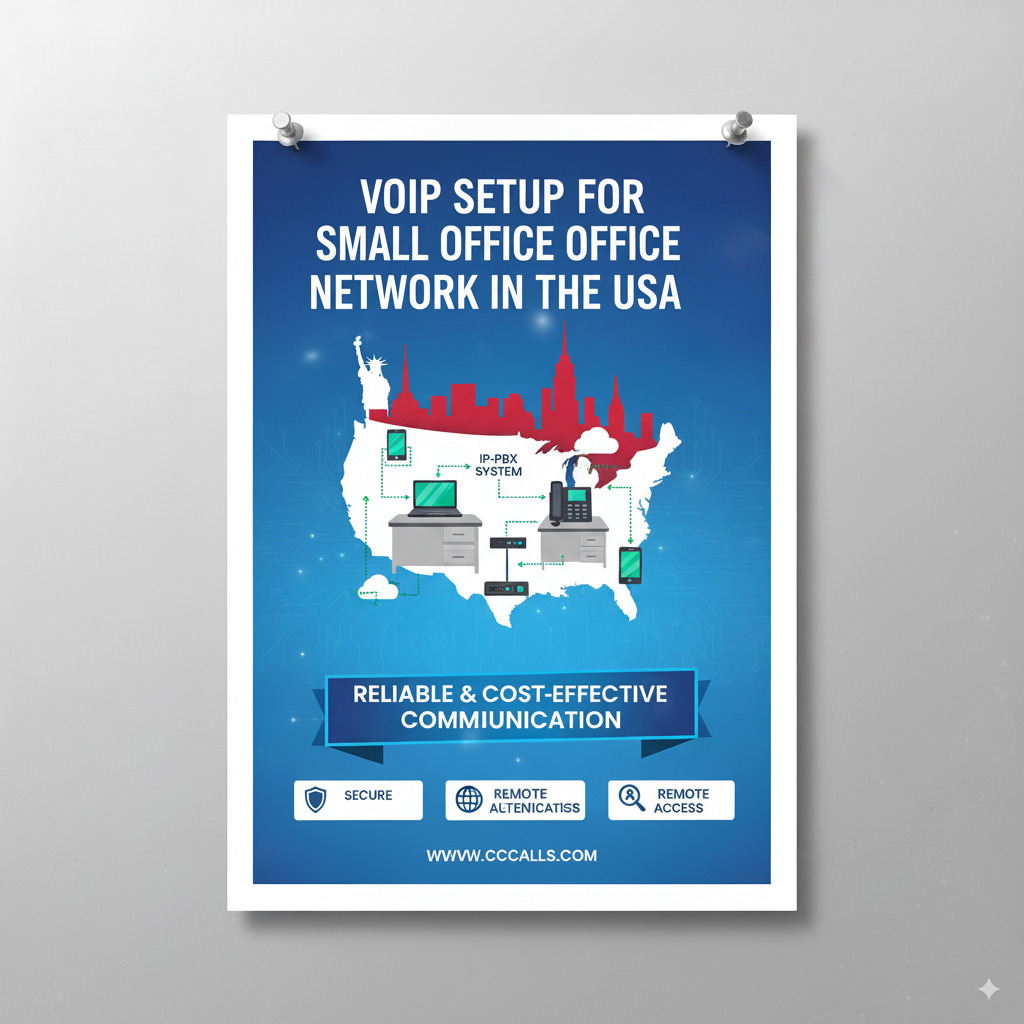
VoIP (Voice over Internet Protocol) is an affordable and scalable communication solution for small offices. It allows voice calls to be made over the internet, reducing the need for traditional landlines and enabling advanced features like call routing, conferencing, and voicemail-to-email.
This guide walks you through everything you need to set up VoIP for your small office in the U.S.—from choosing the right provider to ensuring reliable call quality.
1. Assess Your Office Needs
Before you dive into setup, define your business communication requirements:
Ask Yourself:
- How many employees need phone access?
- Will calls be internal, external, or international?
- Do you need features like auto-attendants, call forwarding, or CRM integration?
- Do you want physical desk phones or softphones (apps on computers/mobiles)?
2. Check Internet Speed & Network Infrastructure
VoIP requires a stable and fast internet connection.
Minimum Bandwidth Requirements:
- Per VoIP call: 100 Kbps (both upload and download)
- Recommended for HD calls: 1 Mbps per line
Test Your Connection:
- Use tools like Speedtest.net or Fast.com
- Ping: < 50ms
- Jitter: < 30ms
- Packet Loss: 0%
Optimize Your Network:
- Use a business-grade router with QoS (Quality of Service) to prioritize VoIP traffic
- Consider setting up VLANs to isolate voice traffic from data
- Use wired connections (Ethernet) instead of Wi-Fi for phones
3. Choose a VoIP Service Provider (USA-based)
Some popular small business VoIP providers in the U.S. (2025):
| Provider | Starting Price | Notable Features |
|---|---|---|
| RingCentral | $20/user/month | Team messaging, mobile app, integrations |
| Nextiva | $18.95/user/mo | Auto-attendant, CRM integration |
| Ooma Office | $19.95/user/mo | Plug-and-play setup, mobile app |
| Grasshopper | $29/month flat | Virtual phone system, call forwarding |
| 8×8 | $15/user/month | HD audio, global calling options |
Tip: Choose a provider that offers local U.S. support and 24/7 customer service.
4. Choose VoIP Phones or Devices
You have two options:
A. IP Phones (Hardphones)
These are physical phones that connect via Ethernet.
- Recommended models: Yealink T54W, Poly VVX 250, Cisco 8841
- Requires POE (Power Over Ethernet) switch or separate power adapters
B. Softphones
Apps on desktops or smartphones.
- Examples: Zoiper, Bria, RingCentral App
- Cost-effective for remote or hybrid teams
5. Setup Process – Step-by-Step
Step 1: Sign up with a VoIP provider
- Choose a pricing plan
- Register users
- Assign phone numbers (local, toll-free, or port existing numbers)
Step 2: Configure your VoIP Phones
- Plug IP phones into your network
- Auto-provision via your VoIP provider’s admin portal
- For softphones, install the app and log in
Step 3: Setup Call Flow Features
- Auto-attendants (press 1 for Sales, 2 for Support)
- Voicemail-to-email setup
- Business hours / call routing rules
- Hold music and greetings
Step 4: Test Your System
- Make internal and external test calls
- Check audio quality and latency
- Simulate call transfers and voicemail
6. Network & Security Best Practices
Prioritize Call Quality
- Enable QoS on router/switches
- Dedicate a VLAN for voice traffic
- Use Cat5e or Cat6 Ethernet cables
Secure Your VoIP System
- Use strong passwords for SIP accounts
- Enable SRTP (Secure Real-time Transport Protocol) for encrypted calls
- Disable unused ports and services on IP phones
- Keep firmware updated
7. Train Your Team
- Provide a short guide or training session
- Show how to:
- Transfer calls
- Use call park
- Access voicemail
- Forward calls to mobile
8. Monitor & Maintain
- Use your provider’s dashboard to monitor:
- Call logs
- Call quality metrics
- Voicemail and missed calls
- Schedule monthly reviews to ensure reliability and satisfaction
- Update greetings and settings as needed
9. Cost Breakdown (Example for 5 Users)
| Item | Monthly Cost Estimate |
|---|---|
| VoIP service (5 users) | $100 (avg $20/user) |
| IP phones (one-time) | $600 ($120 per phone) |
| Business router (QoS) | $150 |
| POE Switch (optional) | $100 |
| Internet (Business Plan) | $70–$150 |
Total Setup Cost (1st month): ~$1,000
Ongoing Monthly Cost: ~$170–$250
Conclusion
Setting up VoIP in a small office network in the U.S. is affordable and scalable, with many business-grade features previously available only to enterprises. By choosing the right provider, optimizing your network, and training your team, you’ll have a professional communication system that enhances productivity and saves money.


