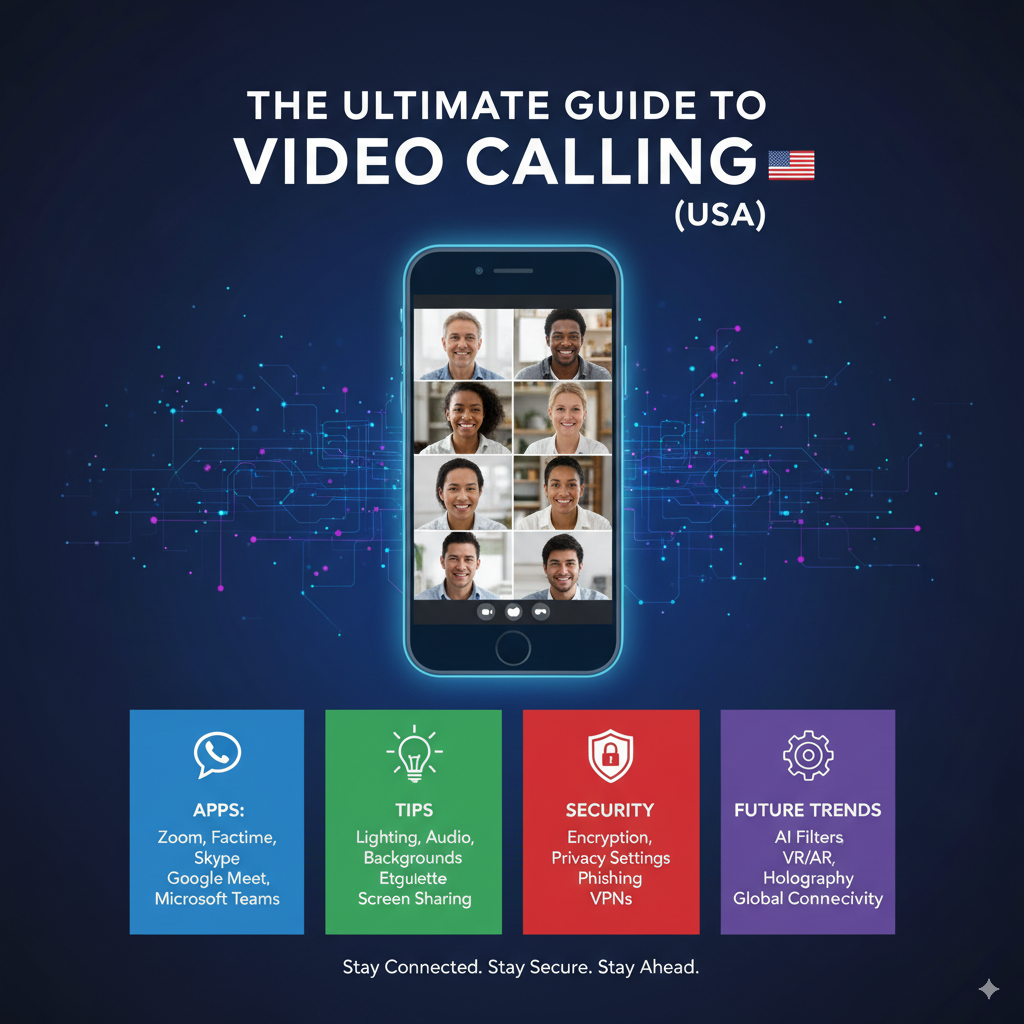
Video calling is now a basic part of work, school, and social life in the USA. From quick FaceTime chats with family to company-wide Zoom town halls, video calling keeps people connected across distances. This guide explains everything you need to know — best apps for personal and business use, how to get great call quality, privacy and security tips, and what comes next for video calls.
Why video calling matters in 2025
- Ubiquity: Smartphones, tablets, and laptops make video calling available to almost everyone.
- Remote work & hybrid teams: Businesses use video calls for meetings, interviews, and collaboration.
- Human connection: Video preserves facial cues and body language that text and voice miss.
- Cost & speed: With broadband and 5G rollout, high-quality video is cheaper and faster than ever.
Best video calling apps (personal & family use)
- FaceTime (Apple) — Seamless for iPhone/iPad/Mac users, excellent video quality and SharePlay for co-watching.
- WhatsApp — Great for encrypted 1:1 and small-group calls, excellent global reach.
- Google Meet — Easy for anyone with a Google account; works in browser without installs.
- Zoom — Popular for larger family gatherings or multi-host calls because of gallery view and breakout rooms.
- Signal — Best choice for privacy-conscious users; fully end-to-end encrypted video calls.
- Messenger Rooms / Facebook Messenger — Convenient for social groups and cross-platform use.
- Skype — Longtime veteran, still useful for cross-device calling and landline calling.
- Discord — Ideal for gamers and community groups; supports persistent voice/video channels.
Tip: Choose based on who you call most (family on iPhone → FaceTime; international friends → WhatsApp or Google Meet).
Best video calling tools for business (USA market)
- Zoom — Feature-rich: breakout rooms, webinar hosting, waiting rooms, advanced host controls.
- Microsoft Teams — Deeply integrated with Office 365; best for businesses already in Microsoft ecosystem.
- Google Meet — Affordable and simple for G Suite customers; strong browser support.
- Cisco Webex — Strong security and enterprise features for large organizations.
- RingCentral / 8×8 / Vonage — Unified communications platforms that combine video, voice, and messaging.
Business considerations: Look for calendar and CRM integration, recording and transcription features, admin controls, compliance (HIPAA for healthcare), and SSO support.
How to get great video call quality (quick checklist)
- Bandwidth: Target at least 3–5 Mbps upload/download per HD stream. 5G or reliable fiber is ideal.
- Hardware: Use a good webcam (1080p), headset or quality speakers/mic, and steady lighting (soft front light).
- Network: Use wired Ethernet where possible, or place Wi-Fi near the router and avoid VPNs that slow traffic.
- Background & framing: Eye level camera, tidy background, and avoid backlighting. Virtual backgrounds when needed.
- Close apps: Shut unused apps and heavy background sync (cloud backups, downloads).
- Test before important calls: Run a quick test call to check audio and video.
Video calling etiquette (business & social)
- Mute your mic when not speaking.
- Use the camera for better engagement (unless bandwidth or privacy issues).
- Be punctual—join a few minutes early.
- Keep your name and profile photo professional for work calls.
- Use chat for clarifying questions to avoid interruptions.
- Respect participants’ time—share agenda and keep meetings focused.
Privacy & security: what to watch for
- Encryption: Prefer platforms that offer end-to-end encryption (Signal, FaceTime for Apple devices; Zoom has E2EE as an option).
- Meeting links & passwords: Use unique meeting IDs and passwords; avoid posting links publicly.
- Waiting rooms & host controls: Enable waiting rooms, lock meetings when full, and limit screen sharing to hosts.
- Be wary of phishing: Scammers send fake meeting invites or malicious links. Verify senders before joining.
- Compliance: Healthcare or legal firms must use HIPAA-compliant providers and signed Business Associate Agreements (BAAs).
Use cases & practical examples
- Remote work: Daily standups, client demos, interviews, onboarding.
- Telehealth: Virtual patient visits, remote monitoring (requires HIPAA-secure tools).
- Education: Virtual classrooms, office hours, recorded lectures.
- Sales & demos: Screen-share product demos, collaborative whiteboarding.
- Social: Virtual family gatherings, watch parties, virtual events and celebrations.
Costs & subscription tips (USA)
- Many apps offer free tiers with time limits (Zoom), participant limits, or feature restrictions.
- Businesses benefit from paid tiers for admin tools, larger meeting capacity, cloud recording, and compliance features.
- Check bundled pricing (e.g., Microsoft 365 includes Teams; Google Workspace includes Meet).
Future trends in video calling
- AI-powered features: Smart meeting summaries, automated captions & translations, and AI background removal.
- AR/VR integration: More immersive meeting options for training and collaboration (mixed reality).
- Higher quality over mobile: Wi-Fi 6E and 5G improvements will deliver near-desktop quality on phones.
- Interoperability: Better cross-platform compatibility and standards so different services can connect seamlessly.
- Edge processing & lower latency: Faster, more responsive calls for real-time collaboration.
Troubleshooting common issues
- Laggy video: Switch to audio-only or lower resolution; move closer to router or use Ethernet.
- No audio: Check mic permissions in OS and browser; test headphones on another device.
- Poor lighting: Add a desk lamp behind the camera or position yourself facing a window.
- Echo: Use a headset or reduce speaker volume; mute others if needed.
Quick comparison (personal vs business choice)
- Personal (ease + privacy): FaceTime (Apple users), WhatsApp (global), Signal (privacy).
- Business (features + admin): Zoom (features), Microsoft Teams (MS ecosystem), Google Meet (simplicity).
Conclusion
Video calling is essential in the modern USA landscape for work and life. Picking the right app depends on your audience, privacy needs, and required features. With the right hardware, network setup, and etiquette, video calls can be smooth, productive, and personal.